Who can do this
A Production+ user; an administrator edits shared recipes.
Steps
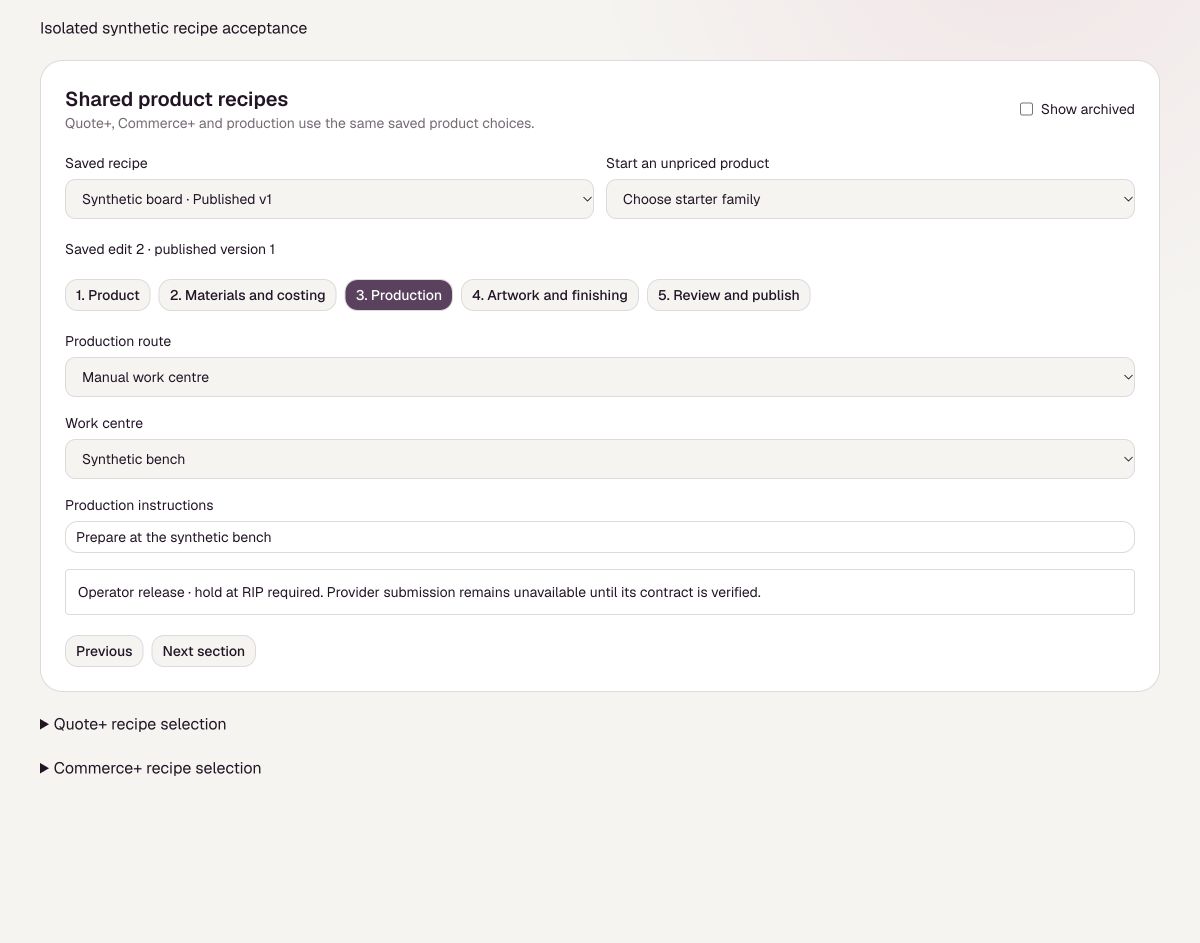
- An administrator prepares a shared recipe in Settings, Production+.
- Open the production job and check Route and instructions.
- Choose Print job sheet or Source job sheet to read the frozen instructions.
What to expect
You can see the recipe version and job instructions.
Before you rely on it
Your administrator must finish setting up and testing any direct printer or cloud route before it can be used. The job still needs preparation.