Who can do this
A staff member with Quote+ access.
Steps
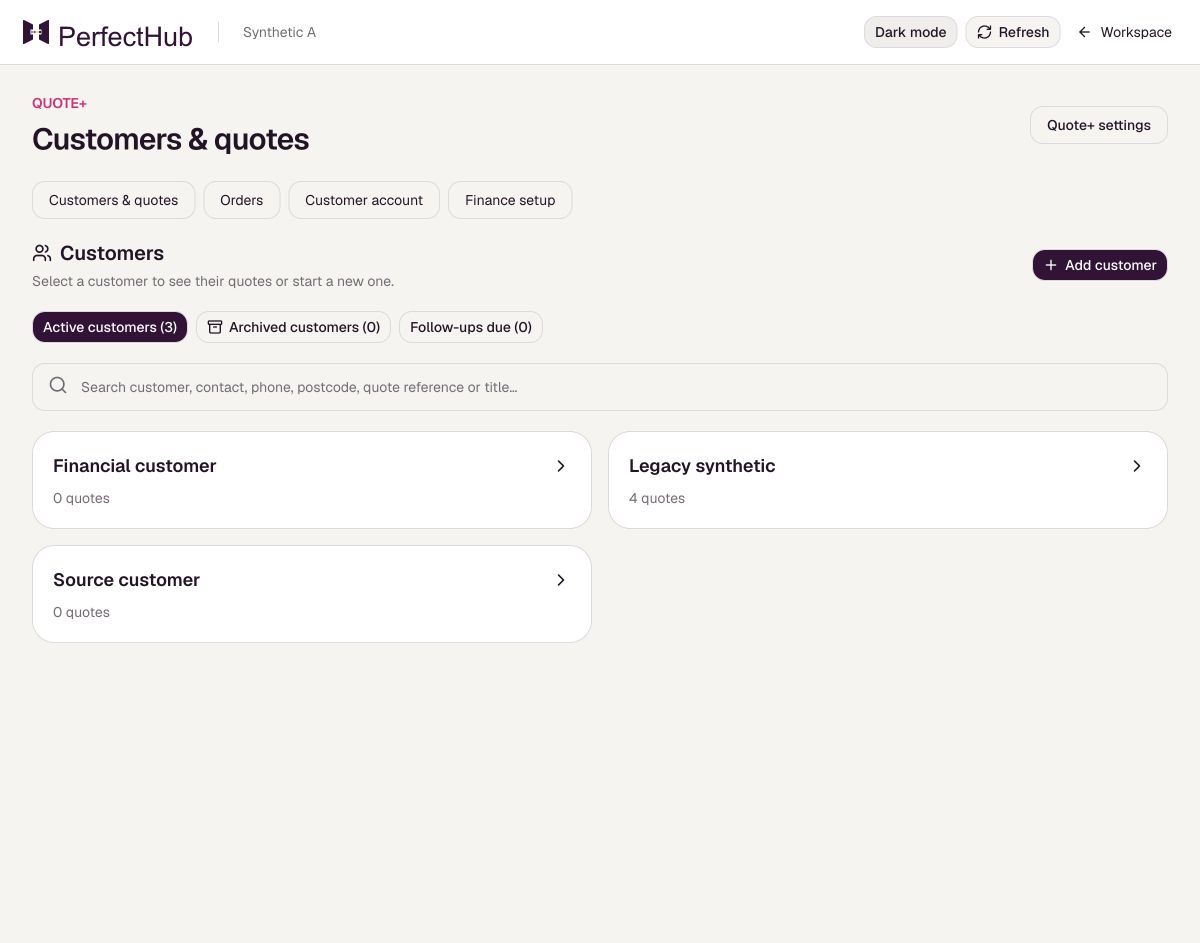
- Open Customers & quotes in Quote+.
- Choose Add customer, enter the company or customer name, and choose Save customer.
- Open the customer to use Edit customer or Archive customer; use Restore customer when needed.
What to expect
The customer and earlier quotes remain visible.
Before you rely on it
An archived customer must be restored before you start a new quote for them.