Skip to content

Quote+

Use materials and product recipes

Choose saved product instructions for a quote.

Who can do this

A Quote+ user; an administrator manages the catalogue.

Steps

  1. An administrator opens Settings, then Quote+ and Materials, Products or Recipes to maintain the catalogue.
  2. In a quote line, choose a published recipe that fits the product.
  3. Check the material and size before saving the quote.

What to expect

The saved choice is used in the quote.

Before you rely on it

A recipe is saved instructions for a product. It does not prove that a printer connection is ready.
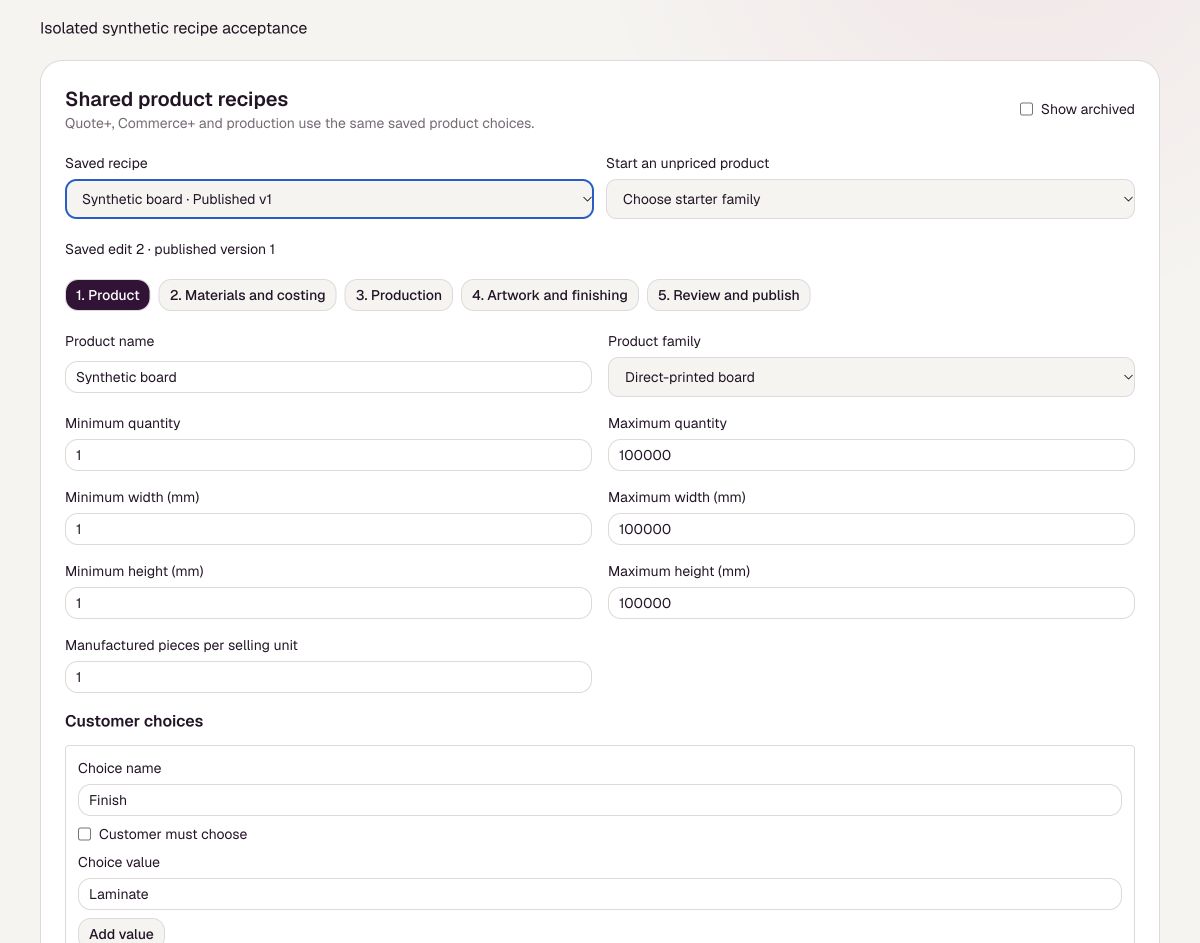
Illustrative PerfectHub screen: Use materials and product recipes
Illustrative screen with sample details. Your settings may differ.
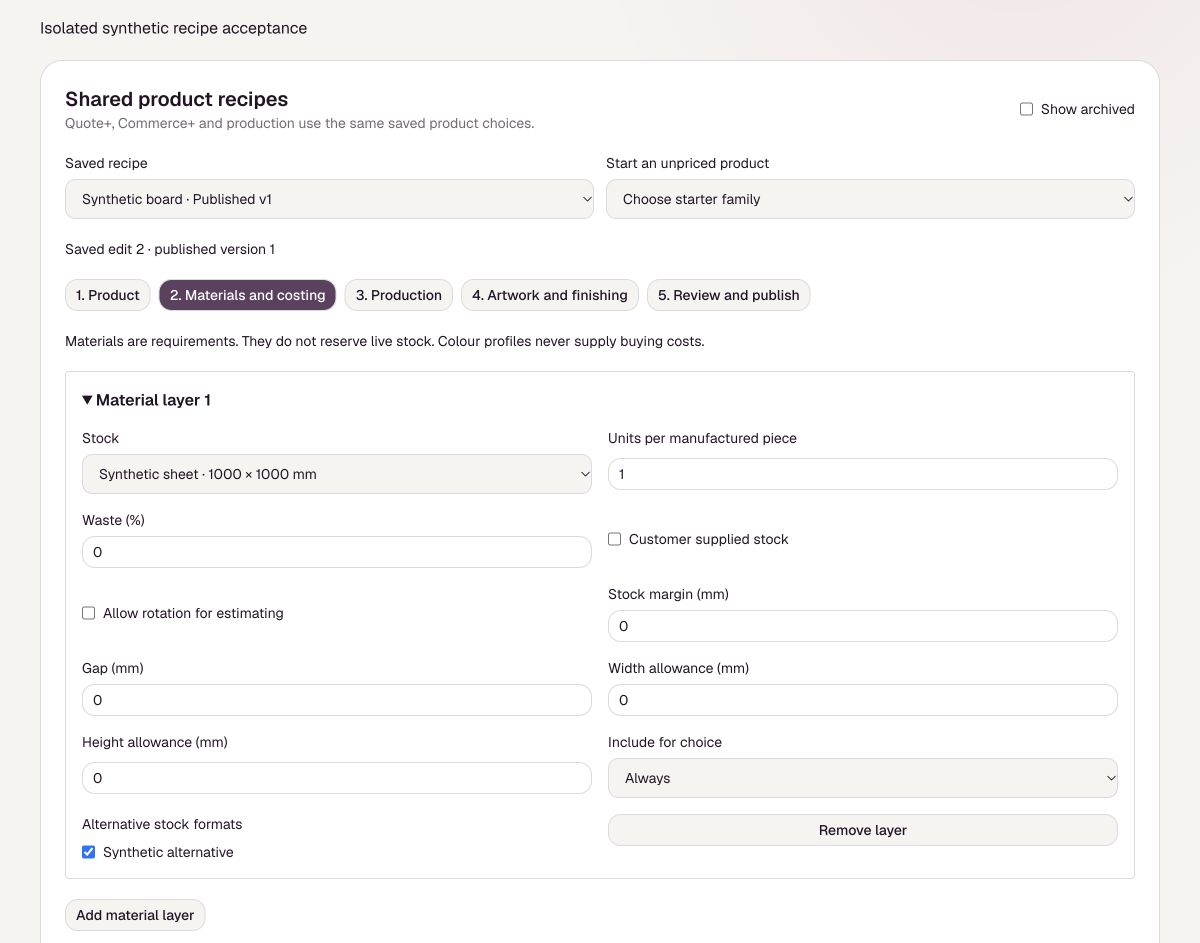
Illustrative material layer controls for stock and allowances
Illustrative screen with sample details. Your settings may differ.

Reviewed 25 October 2026

Need more help?

Your support tickets are separate from public guides.

Sign in to support