Who can do this
A staff member with Quote+ order access.
Steps
- Open a saved quote.
- If prices need updating, choose Recalculate for new revision and inspect the preview; choose Save new revision to keep it.
- Choose Issue saved quote, then Record customer acceptance when the customer agrees.
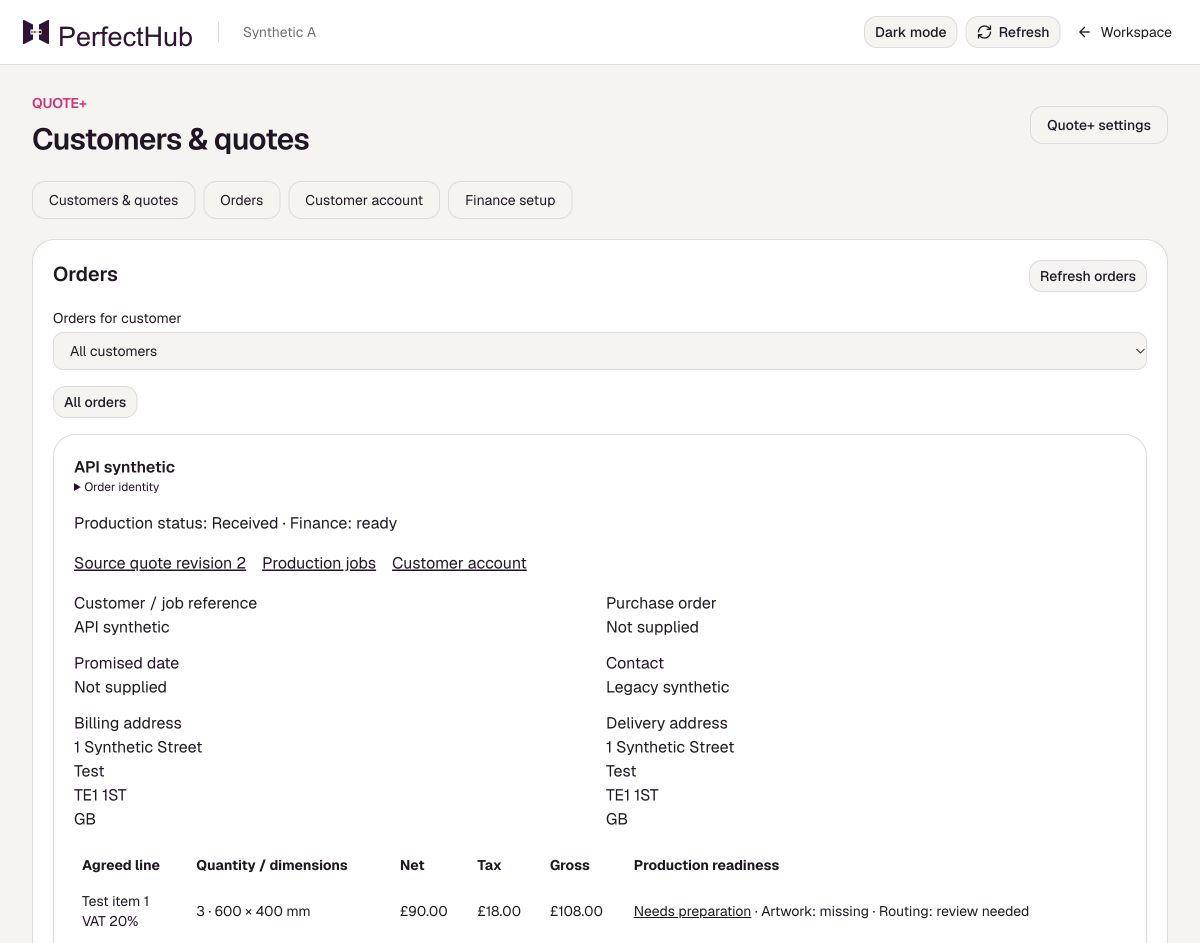
- Choose Create order and then View order.
What to expect
The accepted revision is locked and the order appears under Orders.
Before you rely on it
Acceptance records your decision; it does not send mail, take payment or release production.